

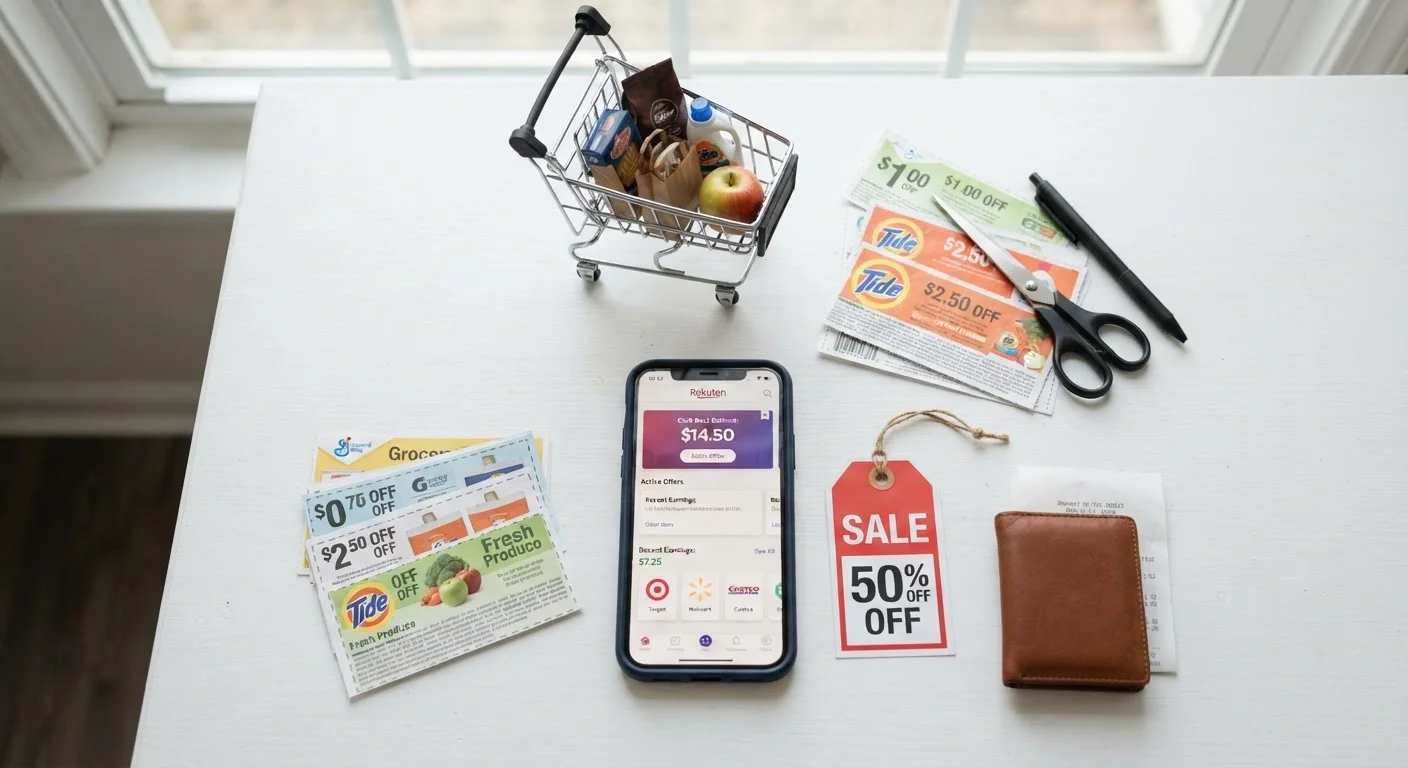
What Coupon Stacking Actually Means
Coupon stacking is the practice of applying more than one type of discount to a single item or transaction. In its simplest form, it might mean buying a product that's already on sale and also using a coupon toward it. More advanced stacking layers in a store loyalty discount, a manufacturer coupon, a store-issued coupon, and a post-purchase rebate - all on the same purchase.
The term can sound technical, but the underlying concept is straightforward: different discount sources don't always cancel each other out, and understanding which ones can be combined legally and ethically puts more money back in your pocket. This is general consumer education, not a guaranteed outcome - actual savings depend on the store, the product, and the specific promotions available.
For a broader framework on building smarter shopping habits, see this practical guide to spending less without downgrading. And once you've made your purchase, it's worth knowing the return rules too - reading the fine print on return policies can prevent costly surprises if something doesn't work out.
Always Read the Coupon Fine Print
Coupons often carry restrictions: one per transaction, one per household, or exclusions for certain sizes or varieties. Attempting to use a coupon outside its stated terms can result in it being declined at the register - or flagged as misuse. When in doubt, ask a store associate before you reach checkout.
What You'll Need Before You Start
What you will need
Store loyalty app or card
Unlocks member pricing, digital coupons, and tracks points or cashback automatically at checkout.
Cashback or rebate app
Provides item-specific rebates that are submitted after purchase for cash or gift card rewards.
Coupon wallet or organizer
Keeps paper coupons sorted by expiration date so valid ones are ready at checkout.
Notes app or shopping list
Logs which discounts apply to each item so you don't miss a stack at the register.
Having these in place before you shop makes it far easier to execute a stack without scrambling at the register. Loyalty accounts, in particular, are often required to access the store-issued digital coupons that make stacking possible in the first place.
How to Stack Discounts Step by Step
Find and review the store's coupon policy
Before combining any discounts, look up the store's official coupon policy. Most major retailers post this on their website or at the customer service desk. Key questions to answer: Does the store accept manufacturer coupons? Can you use one manufacturer coupon and one store coupon on the same item? Are digital and paper coupons stackable? Is there a limit on coupon use per transaction?
Policies vary significantly by retailer. Knowing the rules upfront prevents surprises at the register and helps you plan an effective stack.
Check the weekly sale ad for your target items
Review the store's current weekly circular - available in-store, online, or through the store app - and identify sale items that overlap with what's on your shopping list. Sale pricing applied before coupons and rebates creates the largest baseline discount.
Keep in mind that not all advertised 'sales' represent a meaningful reduction. Compare the sale price to recent shelf prices to confirm the discount is genuine before building a stack around it.
Match coupons to sale items
With your sale items identified, search for coupons that apply to those exact products. Manufacturer coupons come from the brand itself - found in newspaper inserts, brand websites, or coupon aggregator sites. Store coupons are issued by the retailer and are often available through their app or loyalty program.
Where the store policy allows both, applying a manufacturer coupon on top of a store coupon on top of a sale price is the core mechanic of stacking. Each layer reduces the price further before taxes are calculated.
Add applicable rebates to your plan
Rebates work differently from coupons - they don't reduce your out-of-pocket cost at the register. Instead, you pay full (or discounted) price and then submit a claim to receive money back afterward. Common rebate formats include mail-in forms, manufacturer websites, and third-party cashback apps that require a photo of your receipt.
Because rebates are processed after purchase, they stack cleanly with coupons and sale pricing without creating conflicts at checkout. Before buying, confirm the rebate's submission deadline, eligible UPC codes, and required documentation.
Complete your purchase and submit rebates promptly
At checkout, present coupons in the order the cashier requests - typically store coupons first, then manufacturer coupons, though this varies. If using a loyalty app, ensure it's open and your account is linked before scanning items. Review your receipt before leaving the store to confirm all discounts applied correctly.
Immediately after purchase, submit any pending rebates. [tip_callout]
Common Stacking Pitfalls to Avoid
Even well-planned stacks can unravel at checkout if a few details are overlooked. Here are the most frequent issues shoppers encounter:
- Expired coupons: Paper coupons are easy to forget about. Always check the expiration date before building your plan around one.
- Wrong product size or variety: Coupons are often specific to a particular size, scent, or flavor. Buying the wrong version means the coupon won't apply.
- Rebate submission errors: Submitting a rebate with a blurry receipt photo, missing UPC, or incorrect form details can result in denial. Follow submission instructions precisely.
- Assuming all stores have the same policy: A stacking strategy that works at one retailer may be completely disallowed at another. Don't transfer assumptions between stores without checking.
Don't Let Stacking Drive Unnecessary Spending
A deep discount on something you don't need is still money spent, not saved. Stacking strategies work in your favor only when applied to purchases already on your shopping list. If a deal is prompting you to buy something new, pause and evaluate whether you actually want it at full price.
For those who want to go deeper into the foundations of smart consumer shopping, the Shopping Basics hub covers a range of related topics from price evaluation to return policies.